You write a short line about a character, and an AI tool makes it for you. Sometimes it’s a portrait. Sometimes an anime hero, a 3D game model, or a character you can actually chat with.
Plenty of people lean on these now. Writers use them to see their hero before chapter one. Game makers build NPCs and concept art without paying for every piece. Artists try out faces fast. Roleplayers give characters a real personality. Social creators just want a clean avatar.
But these eight tools are not the same. A few make images. One makes 3D models. One is basically a chatbot. So let’s go through each one, what it costs, and who it’s actually for.
Best For: Characters you can talk to, roleplay, and storytelling.
Overview: This one is different. You don’t draw a character here, you talk to one. You write a personality, then start chatting. If you care how a character acts more than how it looks, this is your pick.
Key Features:
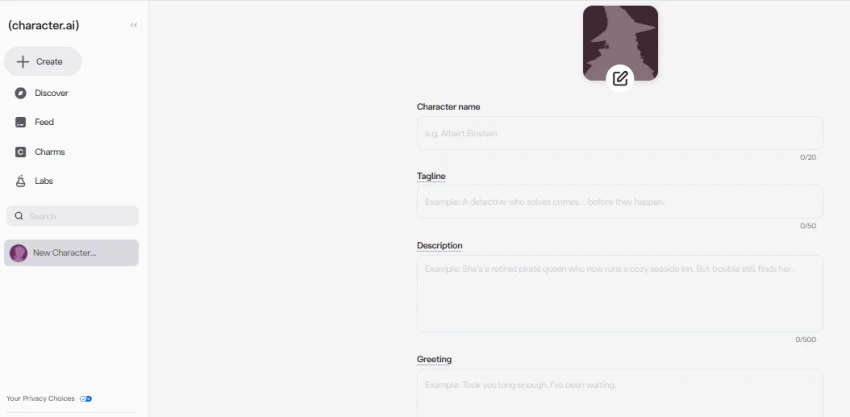
Character Creation Experience: You build the character by writing. Give it a description, a few sample lines, some personality notes. The more you put in, the more it stays true to itself. There’s no way to design its face though.
Customization Options: Personality, tone, backstory, how it talks, its greeting, and a profile picture. It’s all about behavior, not looks.
Pricing: Free to use. The c.ai+ plan is $9.99 a month, or $94.99 for the year. Paying mostly gets you faster replies and no waiting.
Pros:
Cons:
Official Website: character.ai
Best For: Realistic and artistic character images.
Overview: When someone wants an image that looks like it came from a studio, they usually reach for Midjourney. It’s known for quality, plain and simple.
Key Features:
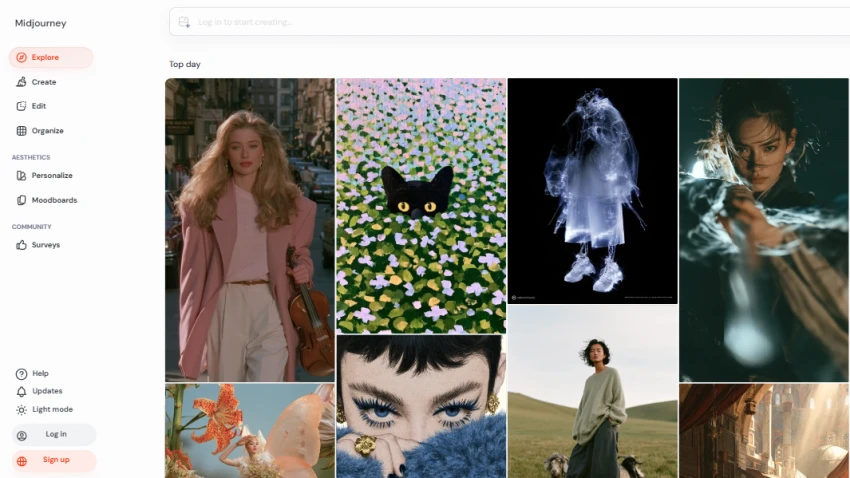
Character Creation Experience: You write a prompt, see what comes back, then tweak it. You can spin up lots of versions. The reference tools help you keep the same face across different scenes.
Customization Options: Looks, clothes, lighting, style, pose, setting. There are no sliders here. You steer everything with your words.
Pricing: No free plan. Basic is $10, Standard $30, Pro $60, Mega $120 a month. Paying yearly saves about 20%.
Pros:
Cons:
Official Website: midjourney.com
Best For: Game art and jumping between styles.
Overview: Game devs and illustrators like this one. It does normal image generation, but it also has trained models and tools built for real projects.
Key Features:
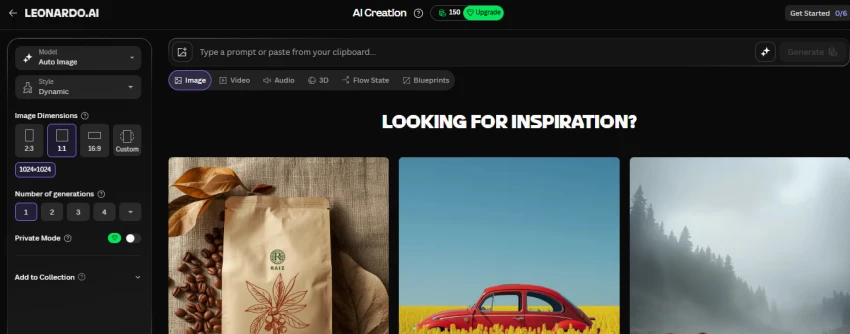
Character Creation Experience: Pick a model that fits your style, then make and adjust. The best part is training your own model on your art. After that, your characters stay consistent.
Customization Options: Looks, clothes, style, and pose through models, prompts, and guide images.
Pricing: Free plan gives you 150 tokens a day, but those images are public. Apprentice is $12 a month, Artisan $30, Maestro $60. Paying yearly saves roughly 17 to 20 percent.
Pros:
Cons:
Official Website: leonardo.ai
Best For: Fine-tuning faces with sliders, not prompts.
Overview: Artbreeder works a bit differently. You blend images and nudge features until the face is right. It feels more like shaping clay than typing a prompt, and it’s great for portraits.
Key Features:
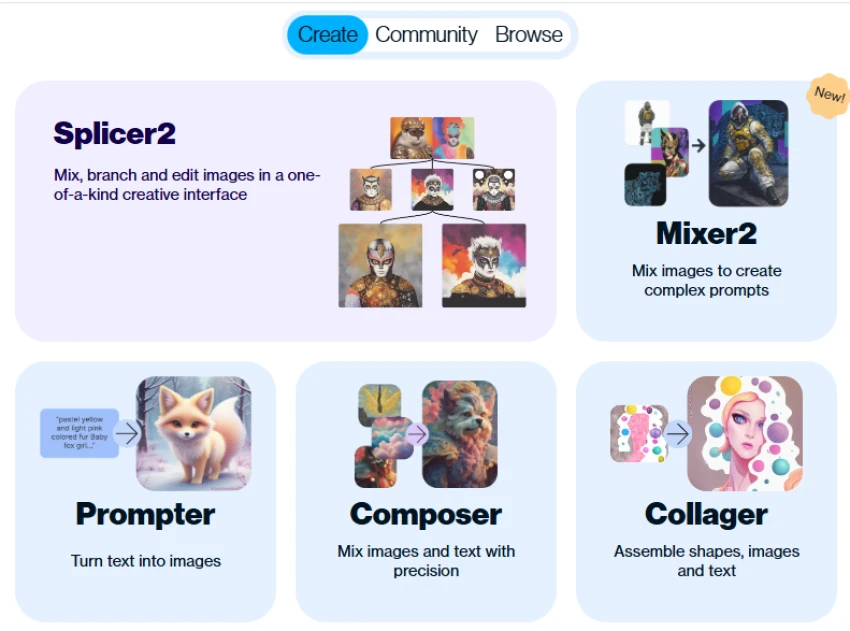
Character Creation Experience: Start from an image or a blend, then drag the sliders until it looks the way you want. If prompting has ever frustrated you, this hands-on style is a nice change.
Customization Options: Face, hair, age, expression, skin tone, style. Really strong on faces, not so much on full outfits or poses.
Pricing: There’s a free plan. Paid plans are Starter at $8.99 a month, Advanced $18.99, and Champion $38.99. Free accounts get lower quality, public images, and no commercial use.
Pros:
Cons:
Official Website: artbreeder.com
Best For: Beginners who want quick anime or realistic characters.
Overview: Fotor is an online design and photo tool with AI baked in. You can make a character and edit it in the same place, which keeps things simple.
Key Features:
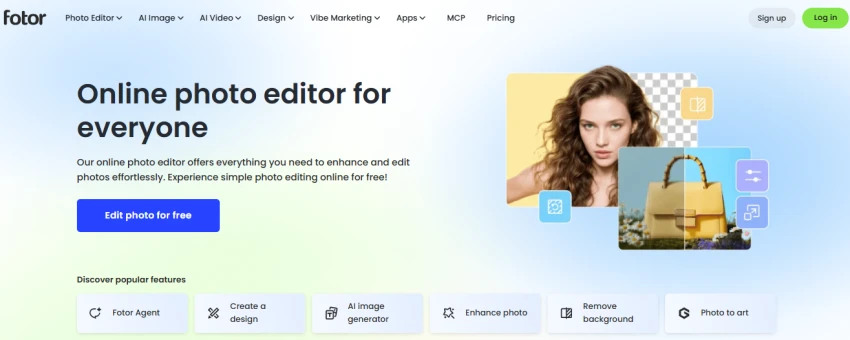
Character Creation Experience: Type a prompt, pick a style, make it, then clean it up right there in the editor. That one smooth flow is what makes it easy for social posts.
Customization Options: Style, looks, and basic scene bits through prompts and presets, plus editing after.
Pricing: Free, Pro, and Pro+ plans. Pro is $12.99 a month, or about $8.99 if you pay for the year. Pro+ is $19.99 a month. The free plan adds a watermark, and AI tools usually need a paid plan.
Pros:
Cons:
Official Website: fotor.com
Best For: Game studios that need one steady art style.
Overview: Scenario is built for games. Its big trick is training models on your own art, so every character and asset matches the same style.
Key Features:
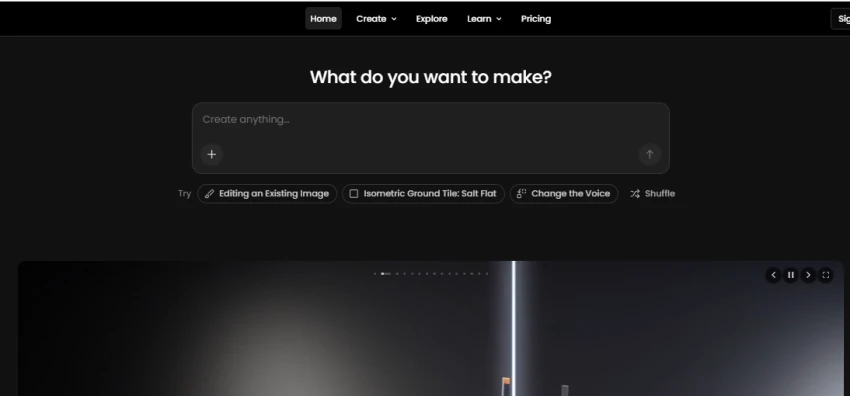
Character Creation Experience: Train a model on your art, then make characters that match it. Layout tools help with pose and spacing. That really pays off when you need twenty characters that look like one game.
Customization Options: Style, looks, and layout through trained models, prompts, and guides.
Pricing: Starter is $15 a month, Pro $45, Team $75, and Enterprise is by quote. There’s a free plan with daily credits, and paying yearly lowers the price (Starter drops to around $10 a month).
Pros:
Cons:
Official Website: scenario.com
Best For: 3D characters for games, animation, and film.
Overview: This isn’t an image maker at all. It’s 3D software for building fully rigged characters you can animate. You can send them straight into Unity or Unreal.
Key Features:
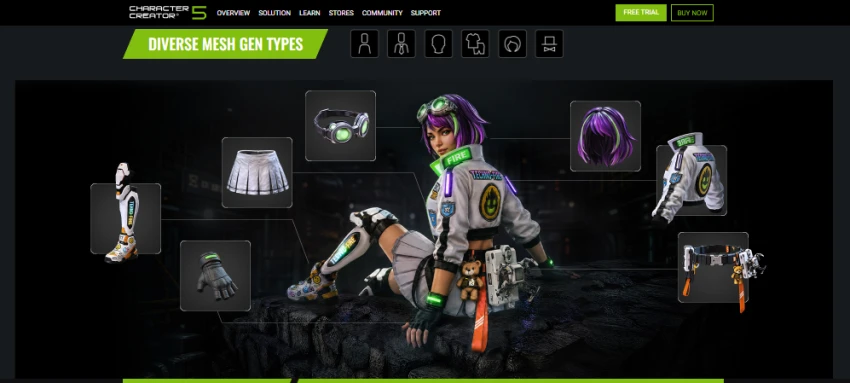
Character Creation Experience: Shape the body and face with sliders, then add hair, clothes, and accessories. You end up with a model you can animate, which 2D tools just can’t give you.
Customization Options: Body shape, face, skin, hair, clothes, accessories, and rigging for animation.
Pricing: Character Creator 5 costs $299 to buy once, or $29 a month (about $99 a year) through Character Creator 365. There’s a 30-day free trial. Studio licenses cost more.
Pros:
Cons:
Official Website: reallusion.com/character-creator
Best For: Beginners who want the character and the finished design in one place.
Overview: Canva added AI image tools to a design app most people already know. Your character drops straight into a post, slide, or flyer.
Key Features:
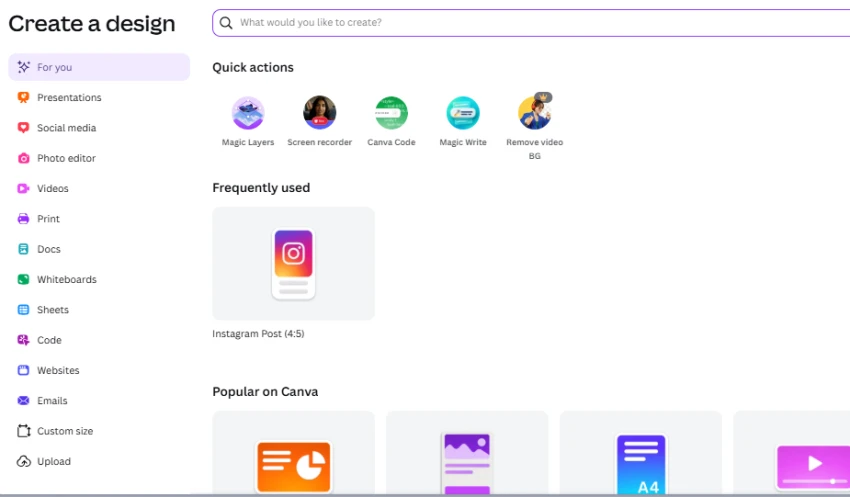
Character Creation Experience: Make a character from a prompt, then drop it into whatever you’re designing. The real strength is everything around the image, not deep character control.
Customization Options: Style and looks through prompts, then resizing and editing.
Pricing: There’s a free plan. Pro is $18 a month (or $180 a year) for one person. Canva Business is $25 a month per seat. AI features have monthly credit limits. Canva changed its prices in 2026, so check the site.
Pros:
Cons:
Official Website: canva.com
| Tool | Best For | Character Type | Free Plan | Starting Price |
|---|---|---|---|---|
| Character.AI | Talking characters, roleplay | Text/voice personalities | Yes | $9.99/mo (c.ai+) |
| Midjourney | Realistic and artistic images | 2D images | No | $10/mo (Basic) |
| Leonardo.AI | Game art, many styles | 2D images | Yes (150 tokens/day) | $12/mo (Apprentice) |
| Artbreeder | Face control, blending | 2D portraits | Yes (limited) | $8.99/mo (Starter) |
| Fotor | Beginners, quick anime/realistic | 2D images | Yes (watermarked) | $8.99/mo (Pro, annual) |
| Scenario | Game assets, steady style | 2D game art | Yes (daily credits) | $15/mo (Starter) |
| Reallusion Character Creator | 3D characters | 3D models | Trial only (30 days) | $29/mo or $299 once |
| Canva | Beginners, all-in-one design | 2D images | Yes (limited AI) | $18/mo (Pro) |
Here’s where I land after going through all eight. If you want a character you can talk to and tell a story with, start with Character.AI. The free plan is good enough that you might as well just try it. For raw image quality, Midjourney still wows me the most, but it has no free plan and needs some prompt skill. So if you’re new, I’d send you to Leonardo.AI or Fotor first.
What I wouldn’t do is grab the biggest, priciest tool just because it’s powerful. Reallusion Character Creator is great, but it’s overkill for Instagram avatars. Scenario is perfect for a studio and pointless for one hobby character.
So my honest advice: pick two that fit what you’re doing, use the free plans, and see which one feels right. The best tool is just the one that matches your project and your budget.
Related guides and breakdowns from the same category.



Join the conversation
No comments yet
Start the conversation on 8 Best AI Character Generator Tools to Bring Your....