No reviews yet
Be the firstStep1. Open Akool Agentic Canvas
Go to Akool and open Agentic Canvas from the left-side menu(you can click on any of the given).
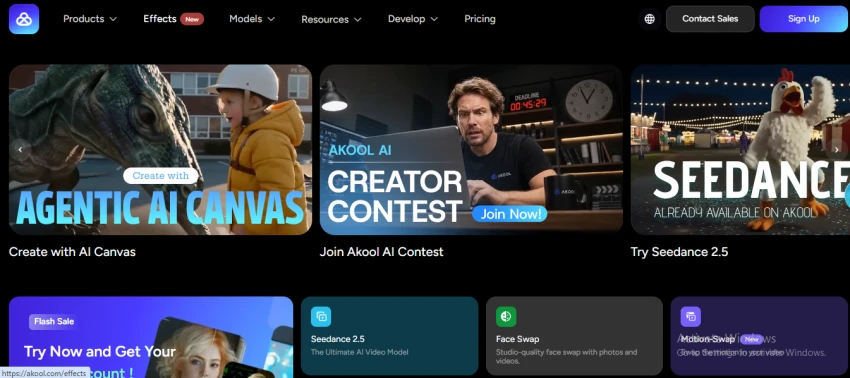
Step 2. Click New Project to create a new canvas.
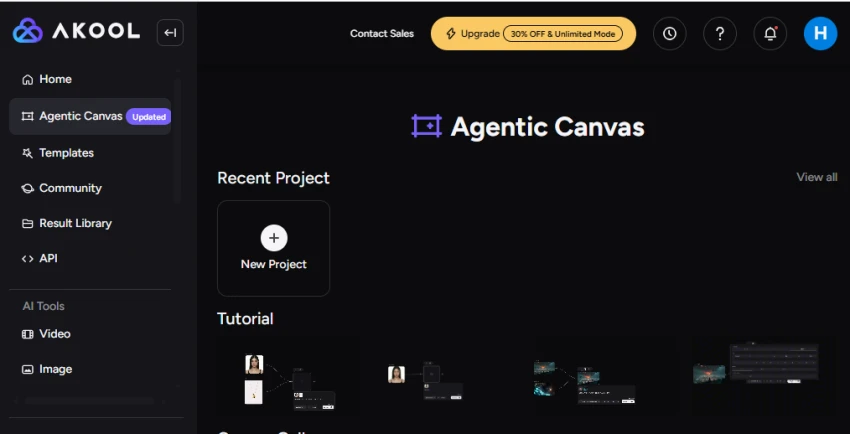
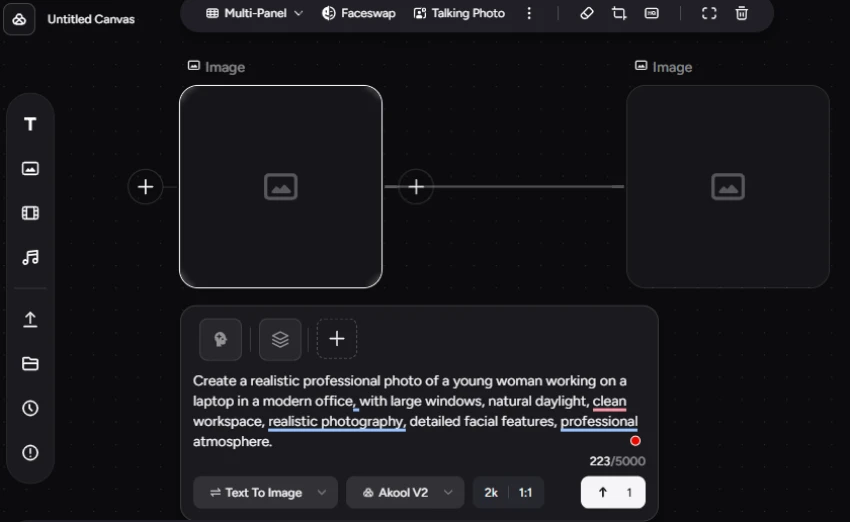
Step3. Choose the AI creation option
The canvas provides options such as Text to Image, Image Generation, Text to Video, and Audio Generation. Select the feature you want to test.
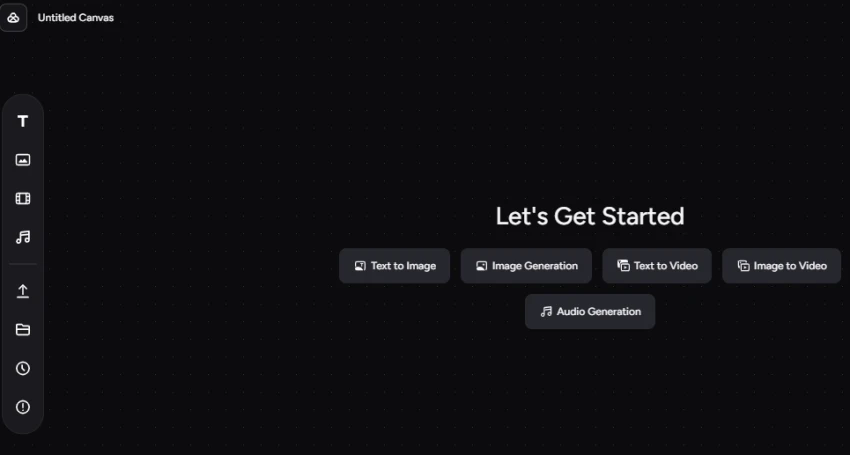
Step4. Enter your prompt
Enter a simple prompt describing what you want the AI to create. The prompt that I gave was “Create a realistic professional photo of a young woman working on a laptop in a modern office, with large windows, natural daylight, clean workspace, realistic photography, detailed facial features, professional atmosphere”.
Step 5: Generate the content
Run the generation and wait for Akool to process the request.
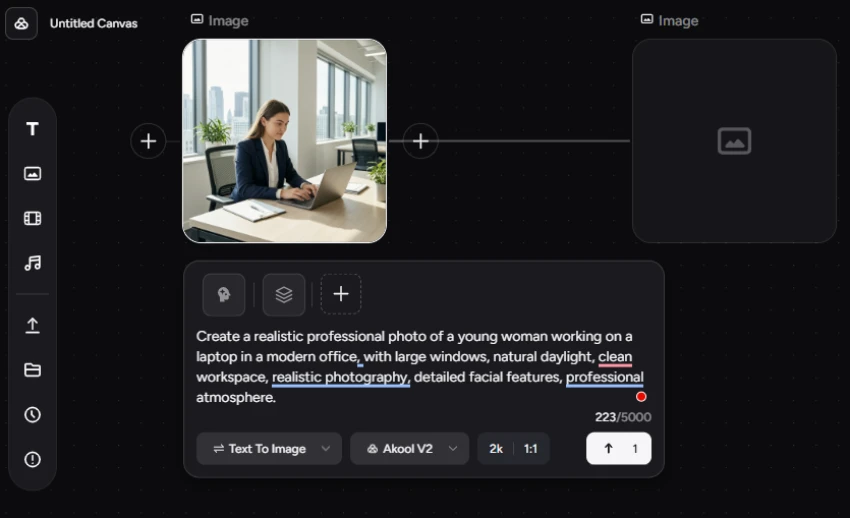
Step 6: Review the output
Check the generated result for quality, accuracy, visual consistency, and whether it matches the prompt.
| Plan | Price | Main Details |
|---|---|---|
| Free | $0/month | Limited access to AI tools and credits |
| Standard | From $8/month* | More credits, higher-quality generation and additional features |
| Standard higher tier | From $39/month* | More credits and advanced generation capabilities |
| Pro Max | From $114.50/month* | Higher credits, advanced features and API/workspace capabilities |
| Business | Custom | Business-focused features and higher usage |
| Enterprise | Custom | Enterprise security, dedicated resources and custom requirements |
Strong face-swap and avatar tools make it useful for creating personalized videos.
Video translation includes AI lip-syncing, making localized videos look more natural.
Offers multiple AI video tools in one platform instead of requiring separate tools.
Supports high-resolution video generation on higher-tier plans.
API access allows businesses to integrate AI video generation into their own workflows.
Credit usage can increase quickly when generating or editing videos repeatedly.
Advanced features are mainly available on paid plans.
AI-generated faces and lip-syncs can still produce occasional visual inconsistencies.
Higher-quality and longer video generation requires more expensive plans.
No reviews yet — be the first to share your experience.
Be the first to share an honest, verified review of Akool AI.
Other tools in the same category worth a look.

Bring your brand to life.
Be the first to review
Turn Your Imagination Into 3D Motion – Swap Any Character Into Any Vid...
Be the first to review
Create Viral Videos With AI In Seconds
Be the first to review
Turn any photo into a stunning 3D animation in seconds. No design skil...
Be the first to review
Your AI Creative & Production Team, From Idea to Publish
Be the first to review
All-in-one AI platform for creating, editing, and enhancing videos and...
Be the first to review
AI-powered animation and video creation platform for animated, explain...
Be the first to review
AI-powered platform for creating multilingual marketing videos, avatar...
Be the first to review