No reviews yet
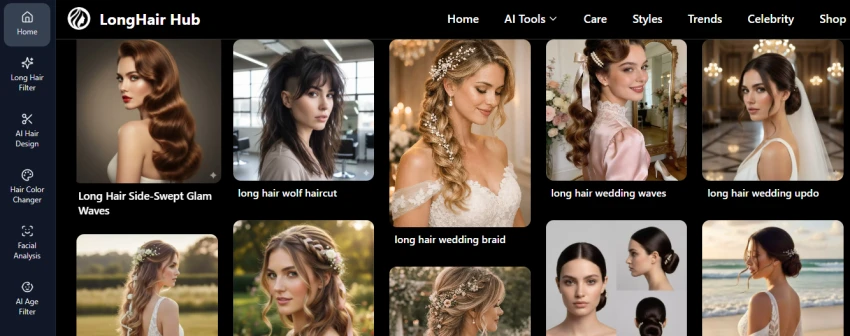
Be the firstExplore the available hairstyle examples and choose the tool you want to use.
Open Long Hair Filter and upload a clear photo using Choose File.
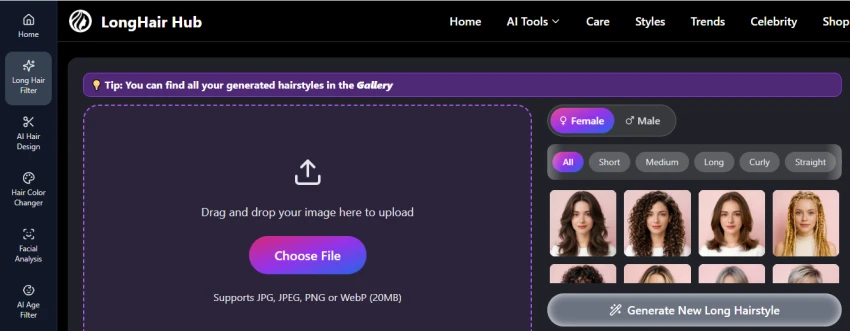
Choose a hairstyle category such as Short, Medium, Long, Curly, or Straight. Then generate a new hairstyle preview.
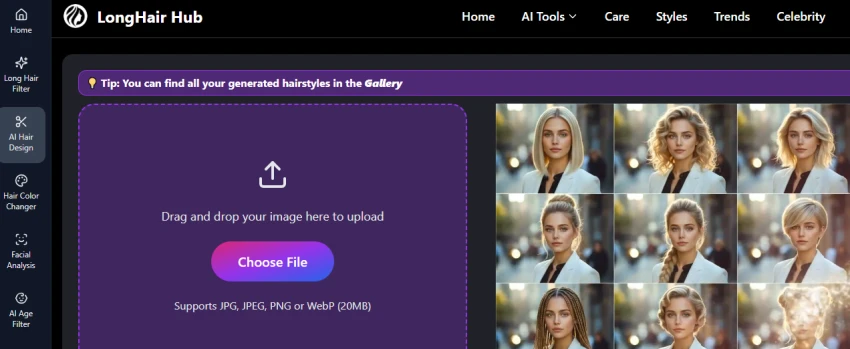
Open AI Hair Design, upload your photo, and select a hairstyle. The tool displays different hairstyle results for comparison.
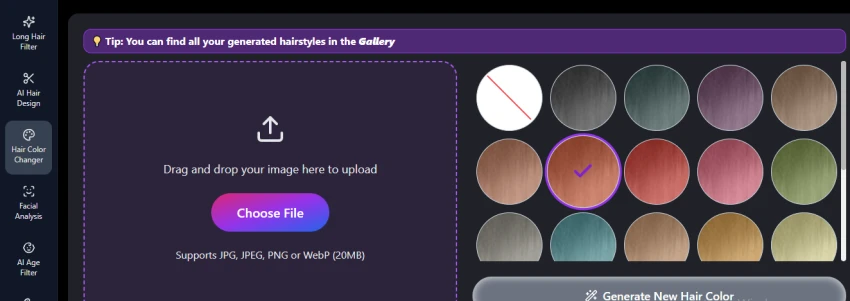
Open Hair Color Changer, upload your photo, and select a color from the available options. Generate the new hair-color preview.
Use the sidebar to try Facial Analysis, AI Age Filter, Fat Filter, Beard Filter, AI Bald Filter, Smile Filter, and Skin Color tools.
Lets you preview long hairstyles before making a real haircut or style change.
Makes it easier to compare different long-hair looks on your own photo.
Useful for getting a visual reference before discussing a hairstyle with a stylist.
The preview may not perfectly match how the hairstyle will look on real hair.
Results can depend on the quality and angle of the uploaded photo.
No reviews yet — be the first to share your experience.
Be the first to share an honest, verified review of LongHair AI.
Other tools in the same category worth a look.