No reviews yet
Be the firstKEY FEATURES
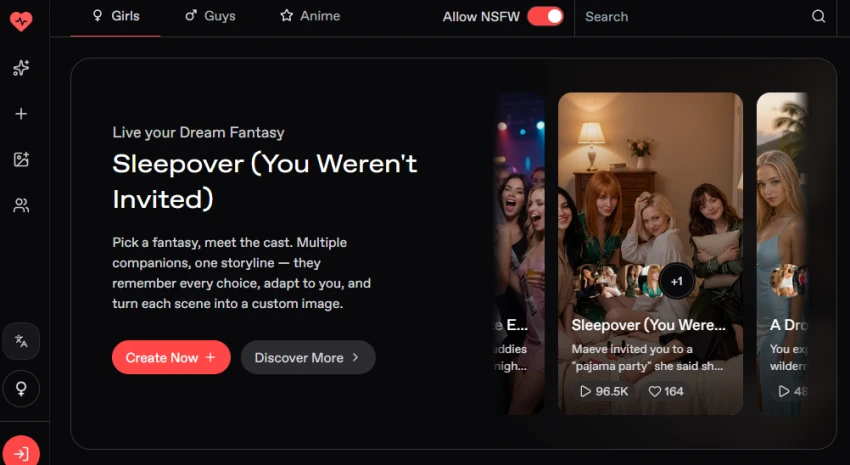
Step 1: Click the Create Now button to start creating an AI girlfriend.
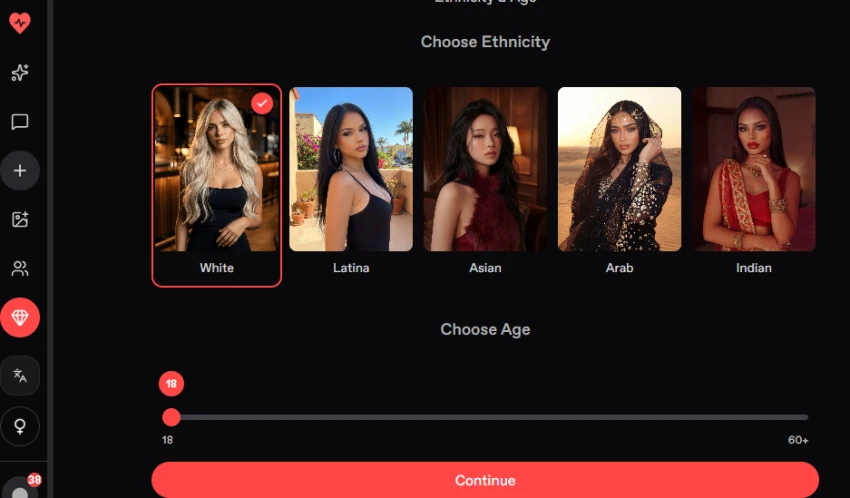
Step 2: Select the ethnicity and age for the AI girlfriend.
Selected options:
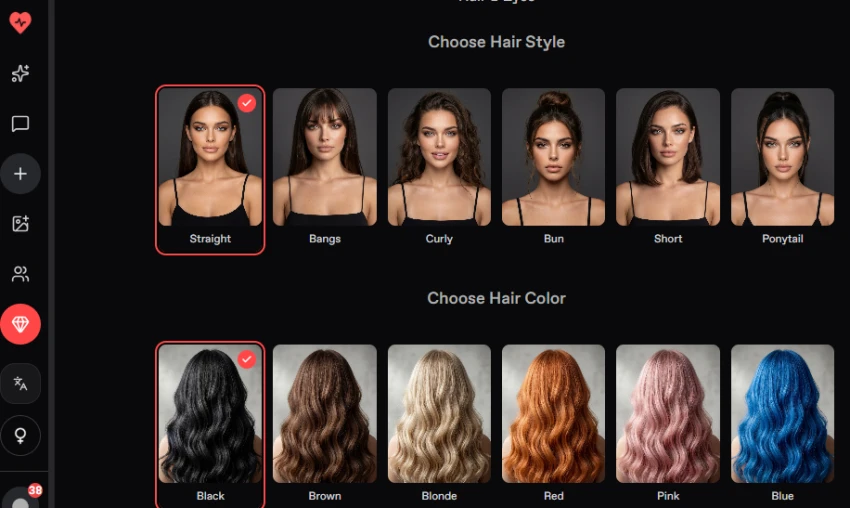
Step 3: Select the hairstyle and hair color for the AI girlfriend.
Selected options:
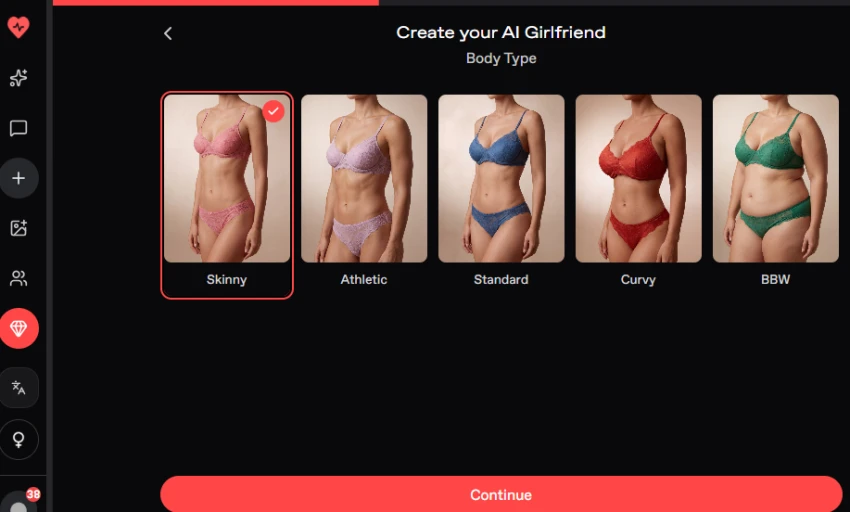
Step 4: Choose the body type for the AI girlfriend.
Selected option:
Skinny
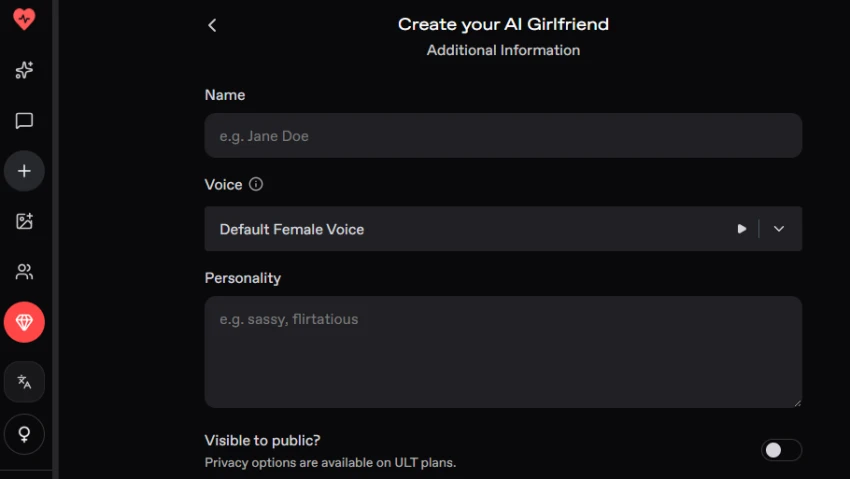
Step 5: Enter the character's name and personality and select the voice.
Name: Jennifer
Voice: Default Female Voice
Personality: Friendly, confident, caring, curious, and enjoys meaningful conversations about travel, movies, music, and everyday life.
Step 6: After completing the customization, review the generated AI girlfriend.
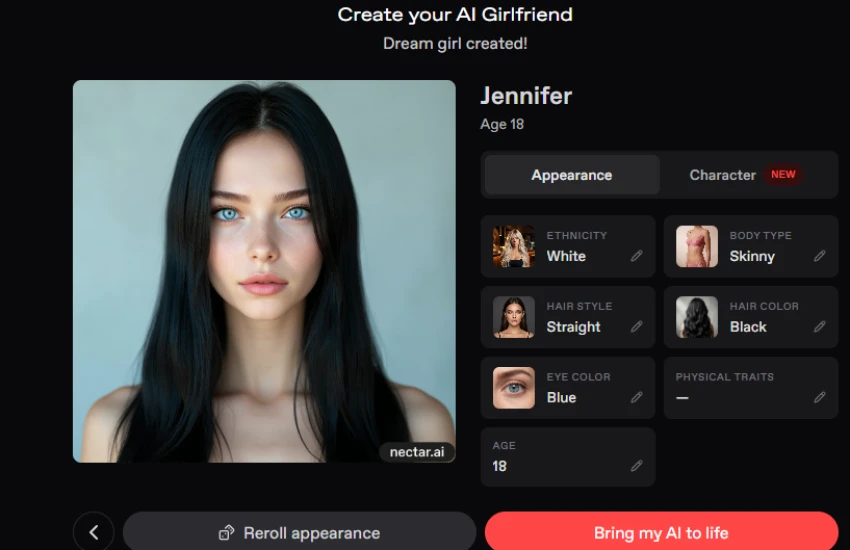
Step 7: Click the Bring my AI to life button after reviewing the generated character(The Bring my AI to life option was available on the generated character screen and was used to move the character into the chat experience).
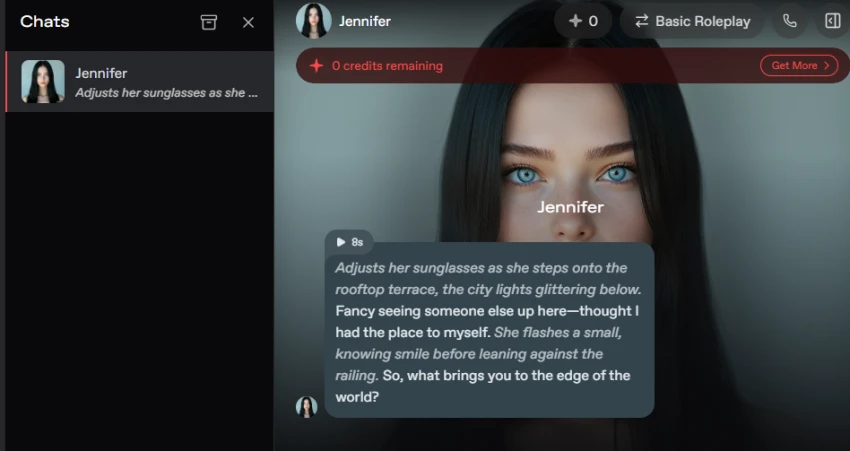
Natural and smooth chat flow.
Strong character customization.
Conversation memory works well overall.
Image generation adds useful visual variety.
Multiple AI models provide more choice.
Free usage has limits.
Some users find the interface cluttered.
Memory can lose smaller details in long chats.
Image quality can vary.
Paid access may be needed for heavier use.
No reviews yet — be the first to share your experience.
Be the first to share an honest, verified review of Nectar AI.
Other tools in the same category worth a look.

OurDream AI — The Unlimited AI Roleplay Platform
Be the first to review
CrushOn AI — No-Filter NSFW Character AI Chat
Be the first to review
Unleash your imagination with FREE uncensored AI roleplay chat.
Be the first to review
Adult AI companion platform for customizable virtual partners and imme...
Be the first to review
AI companion platform for character chat, roleplay, and AI-generated i...
Be the first to review
Your Love Awaits
Be the first to review
Promptchan AI: AI Girlfriend Chat, Video & Images
Be the first to review
AI-powered virtual companion platform for personalized chats, images,...
Be the first to review