I explored PopPop AI's available video, audio, and 3D tools and then tested its Vita3D 3D model generation workflow using an uploaded portrait image.
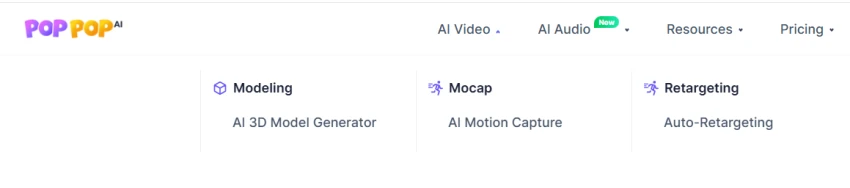
I first opened the AI Video menu on PopPop AI to check the available video tools. The menu includes AI 3D Model Generator, AI Motion Capture, and Auto-Retargeting.
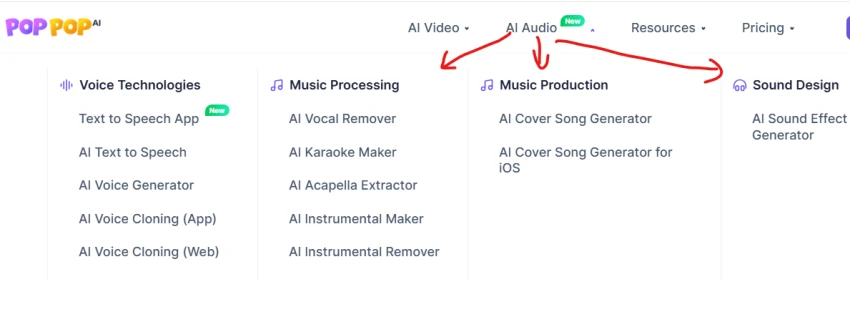
Next, I opened the AI Audio menu to check the available audio tools. It includes options for Text to Speech, Voice Generation, Voice Cloning, Vocal Removal, Karaoke, Acapella Extraction, Instrumental Processing, Cover Song Generation, and Sound Effects.
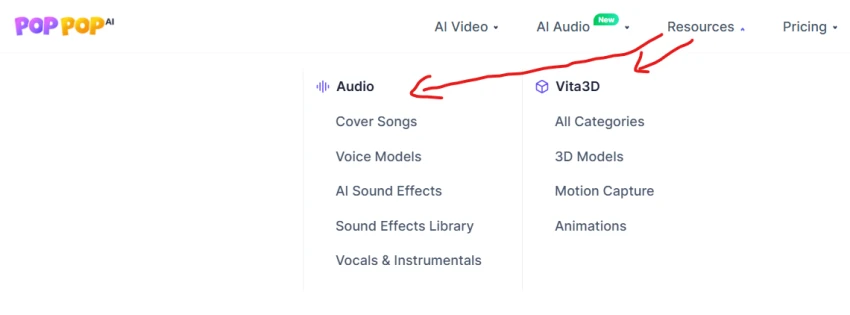
I opened the Resources menu to explore the additional resources available on the platform. It includes Cover Songs, Voice Models, AI Sound Effects, Sound Effects Library, Vocals & Instrumentals, 3D Models, Motion Capture, and Animations.
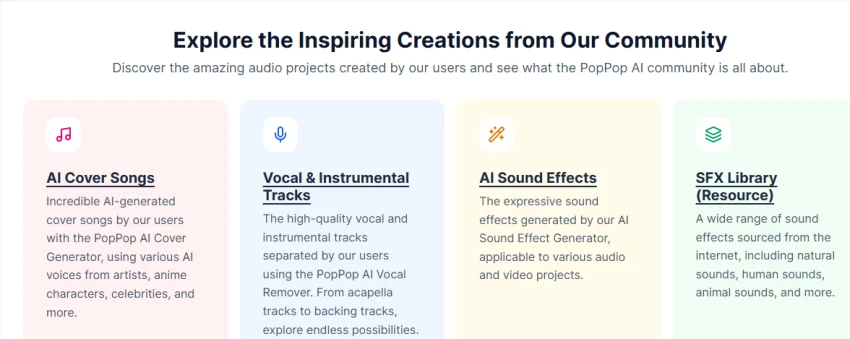
I scrolled through the community section to see examples of content created using PopPop AI. The page contains sections for AI Cover Songs, Vocal & Instrumental Tracks, AI Sound Effects, and the SFX Library.
From the available 3D tools, I opened Vita3D, which is presented as an AI 3D model generator. Its landing page provides an option to generate 3D models from images.
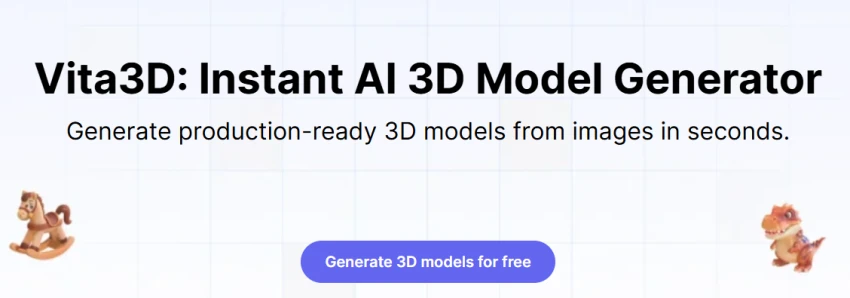
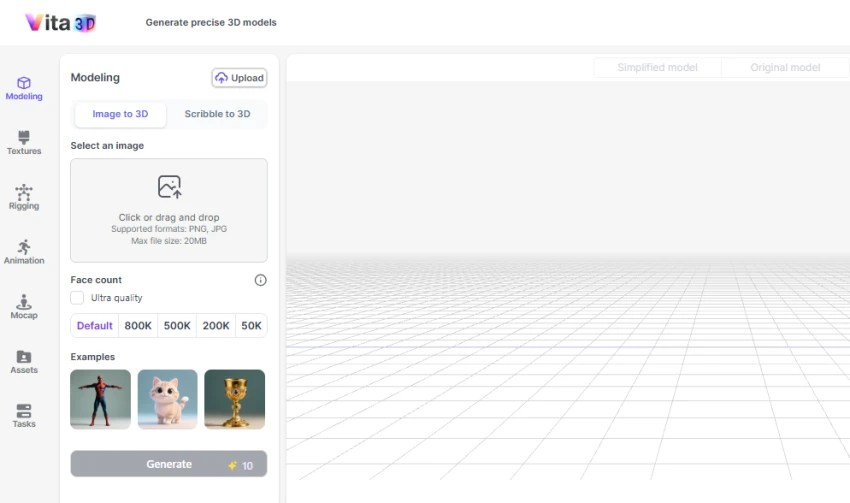
I clicked to start generating a 3D model and entered the Vita3D workspace. The Modeling section provides two options: Image to 3D and Scribble to 3D.
For this test, I selected Image to 3D.
The workspace also provides:
The available face-count options were Default, 800K, 500K, 200K, and 50K.
I uploaded a portrait image to test the Image to 3D feature. The image appeared in the image selection area after uploading.
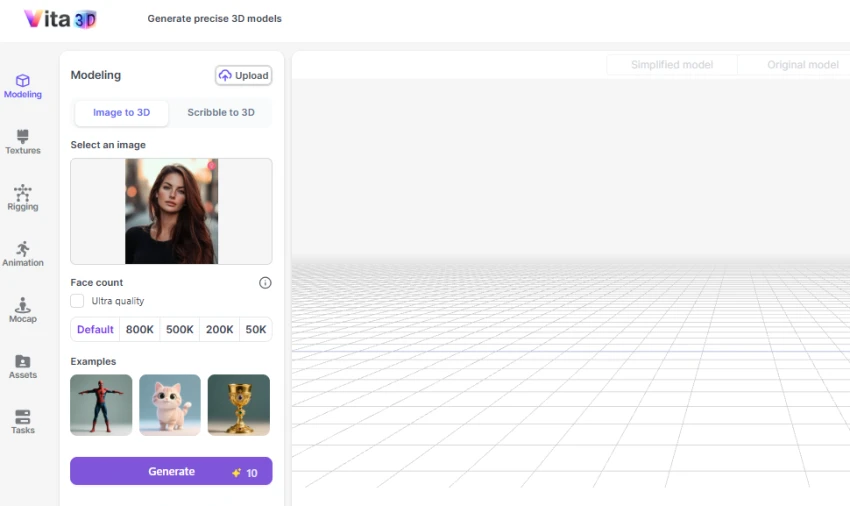
After uploading the image, I kept the available settings at their displayed defaults and clicked Generate.
The interface showed a generation cost of 10 credits.
After processing, Vita3D generated a 3D representation from the uploaded portrait. The model was displayed inside the 3D workspace.
The result also showed the following model information:
The interface also provided Simplified model and Original model views.
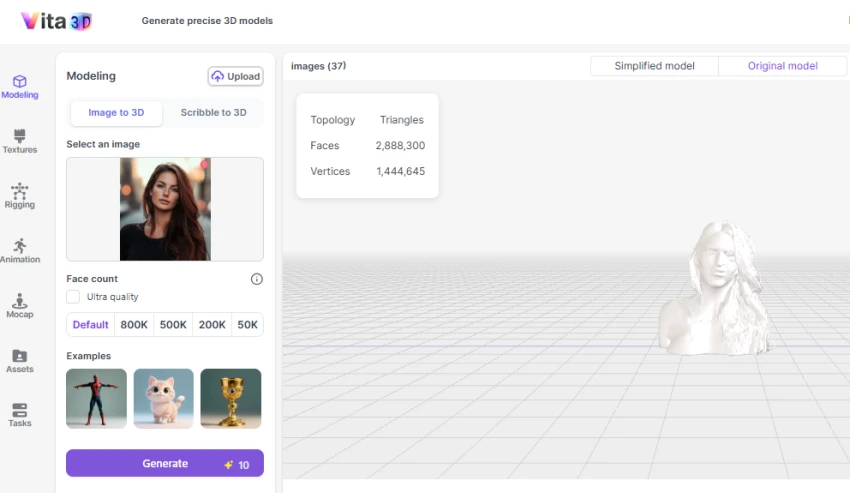
The Image-to-3D test successfully generated a 3D model from the uploaded portrait. The workspace displayed the generated model along with its topology, face count, vertex count, and model-view options. The generation interface showed a 10-credit cost for the test.
Offers multiple audio tools, including voice generation, vocal removal, song covers, and sound effects.
Vocal and instrumental separation is useful for isolating specific parts of a music track.
Several audio tools can be accessed directly online without installing software.
Includes 3D creation tools alongside its audio-generation features.
The platform covers many different creative tools, which can make the overall interface feel less focused.
AI-generated voices and covers may require adjustments to achieve the desired sound.
Output quality can vary depending on the input text or audio.
1 honest reviews from real users
I came across PopPop AI while looking for a simple way to experiment with audio tools. I started with the text-to-speech feature and then tried a couple of the other options available on the site. What I liked right away was that I could start using the tools without going through a complicated setup.
Other tools in the same category worth a look.