No reviews yet
Be the firstStep 1: Open Templates to view the available animation designs.
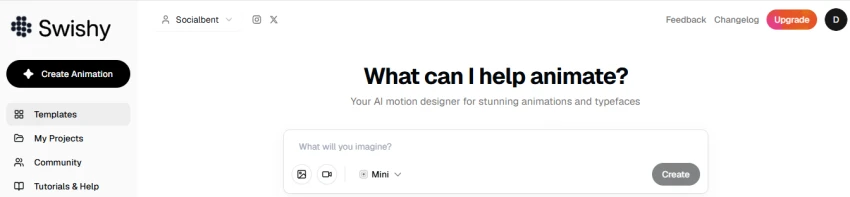
Step 2: Browse templates by category such as Text, Graphics, Overlays, Logos, Social Media, Charts & Data, Money, App & Website, and UI Elements.
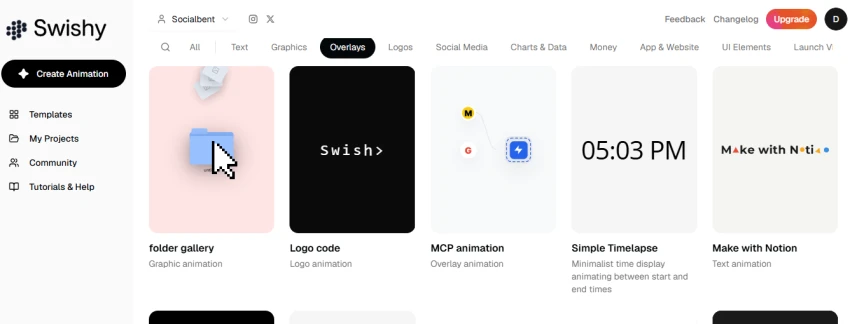
Step 3: Select a template to preview and use it as a starting point.
Large template library covers text, logos, overlays, UI, and data animations.
Category filters make it quicker to find a suitable animation style.
Templates such as Terminal Typing and Simple Timelapse handle specific animation effects without building them from scratch.
Templates can be used as a starting point and customized for different projects.
The template library can feel crowded because many animation styles are shown together.
Some templates are designed for very specific use cases, so they may need customization for other projects.
No reviews yet — be the first to share your experience.
Be the first to share an honest, verified review of Swishy AI.
Other tools in the same category worth a look.

Bring your brand to life.
Be the first to review
Turn Your Imagination Into 3D Motion – Swap Any Character Into Any Vid...
Be the first to review
Create Viral Videos With AI In Seconds
Be the first to review
Turn any photo into a stunning 3D animation in seconds. No design skil...
Be the first to review
Your AI Creative & Production Team, From Idea to Publish
Be the first to review
All-in-one AI platform for creating, editing, and enhancing videos and...
Be the first to review
AI-powered animation and video creation platform for animated, explain...
Be the first to review
AI-powered platform for creating multilingual marketing videos, avatar...
Be the first to review