No reviews yet
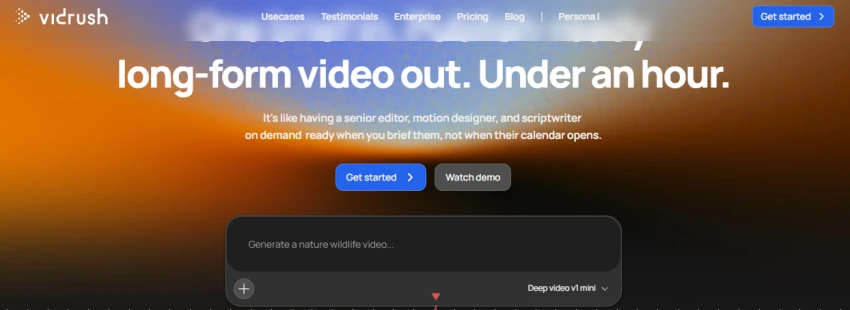
Be the firstStep 1: Open VidRush and enter a video idea in the prompt box.
Example: “Create a nature wildlife video.”
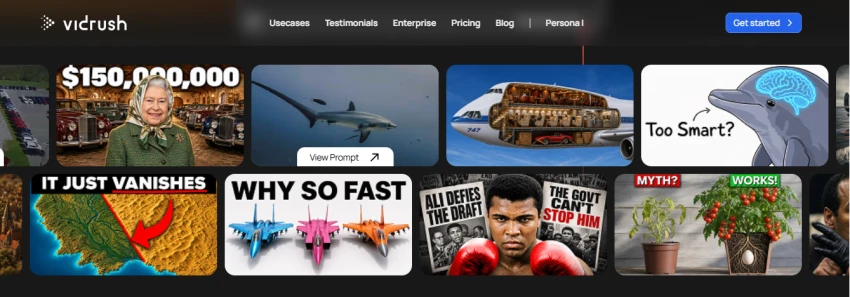
Step 2: Browse the example videos and select a prompt that matches your video idea.
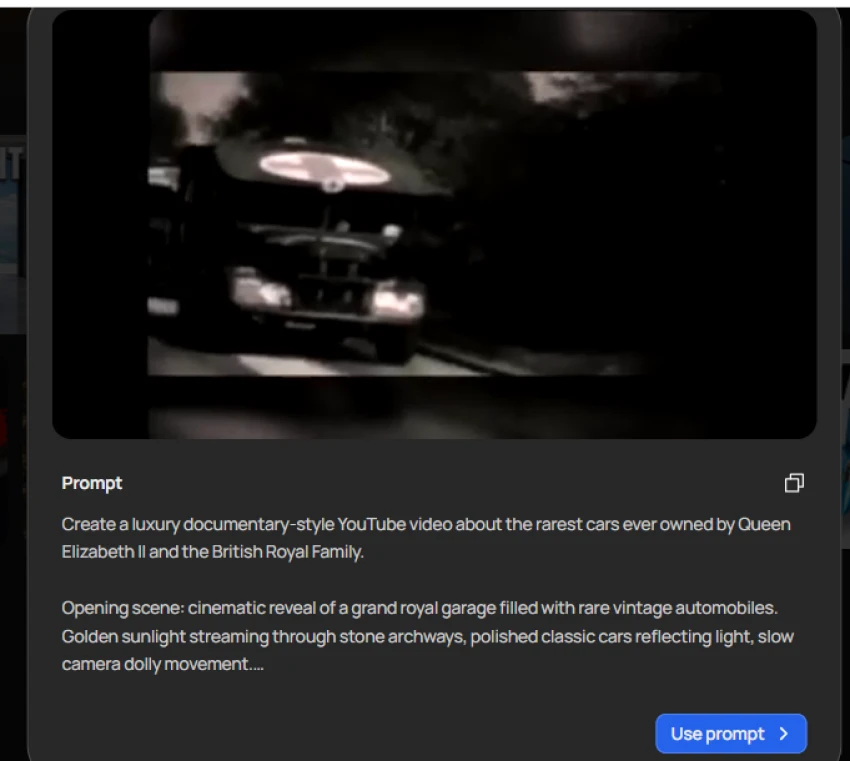
Step 3: Review the example prompt and click Use prompt to continue with it.
Step 4: After selecting the prompt, VidRush takes you to the Choose your plan page.
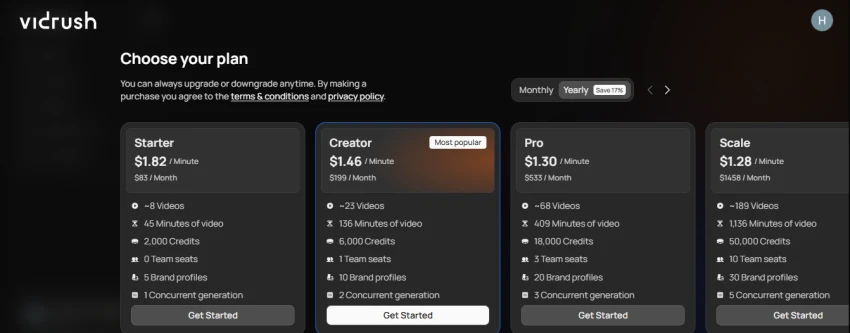
Step 5: Select a suitable plan such as Starter, Creator, Pro, or Scale to continue.
| Plan | Price / Minute | Monthly Price | Videos | Video Minutes | Credits | Team Seats | Brand Profiles | Concurrent Generations |
|---|---|---|---|---|---|---|---|---|
| Starter | $1.82 | $83/month | ~8 | 45 | 2,000 | 0 | 5 | 1 |
| Creator | $1.46 | $199/month | ~23 | 136 | 6,000 | 1 | 10 | 2 |
| Pro | $1.30 | $533/month | ~68 | 409 | 18,000 | 3 | 20 | 3 |
| Scale | $1.28 | $1,458/month | ~189 | 1,136 | 50,000 | 10 | 30 | 5 |
Turns one prompt into a complete long-form video with narration, visuals, captions, music, and transitions.
Brand Profiles keep the same voice, language, theme, and visual style across videos.
Lets you choose between image-based and video-based production models.
Shows the estimated credit cost before you approve a generation.
Full video generation can take around 50 to 60 minutes.
Credits are consumed based on the model and reasoning level used.
Unused monthly credits normally expire at the end of the billing cycle.
No reviews yet — be the first to share your experience.
Be the first to share an honest, verified review of VidRush ai.
Other tools in the same category worth a look.

Bring your brand to life.
Be the first to review
Turn Your Imagination Into 3D Motion – Swap Any Character Into Any Vid...
Be the first to review
Create Viral Videos With AI In Seconds
Be the first to review
Turn any photo into a stunning 3D animation in seconds. No design skil...
Be the first to review
Your AI Creative & Production Team, From Idea to Publish
Be the first to review
All-in-one AI platform for creating, editing, and enhancing videos and...
Be the first to review
AI-powered animation and video creation platform for animated, explain...
Be the first to review
AI-powered platform for creating multilingual marketing videos, avatar...
Be the first to review