Kling 3.0 Omni is the best free-to-start AI video generator in 2026 for most people, and Google Veo 3.1 is the quality upgrade once a budget exists. These are the six tools that survived a month of testing on their free plans.
Sora is gone. OpenAI shut the app on 26 April 2026 and set the API to close on 24 September, which pulled the most famous name in text-to-video off the table. That left a crowded field and one practical question for anyone publishing video this year. Which tool takes a sentence typed into a blank box and returns a clip worth posting, without a week of cleanup. I ran the current leaders on their free plans over the past month, kept the ones that finished the job, and scored each on the same criteria. Six made the cut, ranked below. Finished clip means something you could post without opening an editor, so sound and export quality counted as much as how pretty a single frame looked.
Every tool was judged on the same five measures, weighted toward what actually decides whether a clip ships. The aim was a ranking that holds up for someone spending their own money, not a feature checklist.
● Prompt adherence, 25 percent. How closely the output matches a detailed prompt.
● Motion realism, 20 percent. Whether movement looks natural, and holds up at speed.
● Sound and finishing, 20 percent. Native audio and lip-sync at a usable export resolution.
● Price and free tier, 20 percent. What you get for nothing, and the cost to go further.
● Rights and provenance, 15 percent. Commercial use, and how each tool watermarks output or trains on uploads.
● Best overall: Kling 3.0 Omni
● Best quality with sound: Google Veo 3.1
● Best editing workflow: Runway Gen-4.5
● Longest clips on a budget: Pika 2.5
● Best cinematic color: Luma Ray3.2
● Highest benchmark score: Seedance 2.0
Kling earns the top spot by doing the whole job cheaply. It is the most-used video generator in the world by creator count, and the only tool here that pairs 4K output with lip-synced audio on a plan that costs less than a weekly coffee run.
On detailed prompts, Kling held the scene together where cheaper tools lost the thread, which tracks with its 1,104 score on the Artificial Analysis arena, second only to Seedance. The free tier hands out about 66 credits a day, enough to test the full path from prompt to clip before paying anything. Native clips reach 15 seconds and extend to around three minutes, so a short scene rarely needs stitching. Fast motion still trips it, and faces drift across separate generations, so a multi-shot sequence needs reference images to stay consistent. Credits burn fastest on 4K and on the longest clips, so the daily free allowance stretches further at 1080p. Kling's reference-image mode is the fix for its consistency gap, locking a face or a product across shots that a text prompt alone cannot hold.
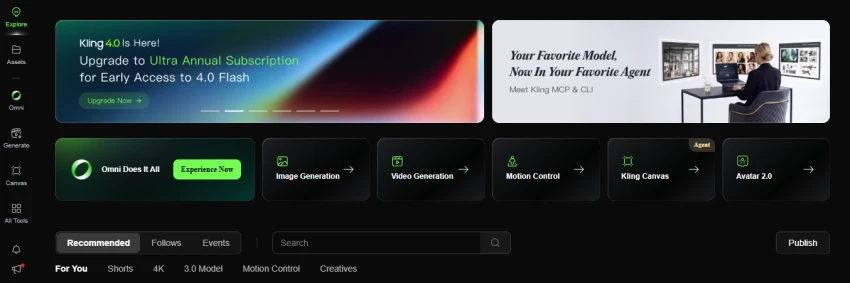
Free plan: About 66 credits per day, renewed daily.
Paid from: $10 a month, dropping to about $6.60 on annual billing.
Standout feature: Native lip-synced audio at up to 4K.
Best for: Creators who want a finished, sounded clip without a second tool.
Limitations
● Subscription credits expire daily and do not roll over.
● Free and basic tiers carry no commercial-use rights.
● Fast motion and separate-shot consistency remain weak.
My rating: 4.5 out of 5.
Veo is the tool to graduate to when the output has to be flawless and a client is paying. It generates dialogue and sound effects in the same pass as the picture, at up to 4K, which no other tool on this list does.
Prompt adherence and motion stability were the strongest I saw, and its 1,094 arena score sits level with Kling while reading long prompts more literally. The catch is access. There is no free tier, so testing means a paid Google AI plan or metered API spend, and 4K runs about $0.60 per second through the API. Every clip ships with an invisible SynthID watermark, which helps prove a video is AI-made when a platform asks for it. Veo also reads camera and lens language, so a prompt that specifies a slow dolly or a shallow depth of field lands closer than it does on most rivals. The eight-second native limit means longer pieces are built from extensions, which hold continuity well but add render time.
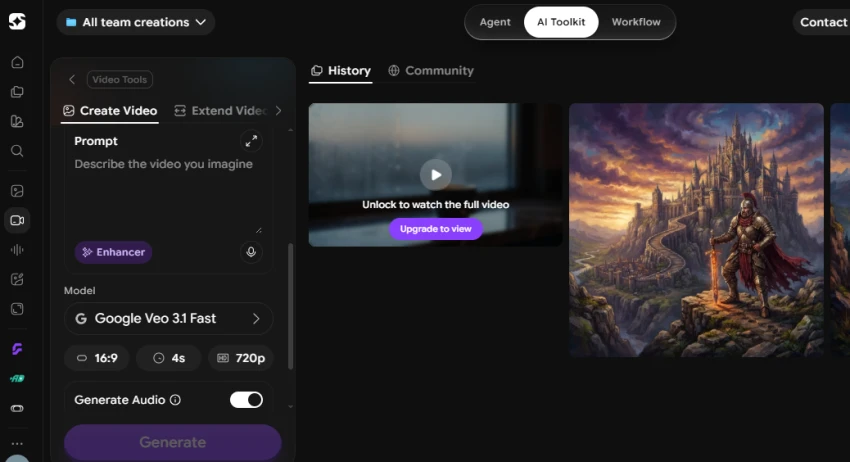
Free plan: None.
Paid from: A paid Google AI plan, or API usage from $0.40 per second.
Standout feature: Native dialogue and sound effects at up to 4K.
Best for: Agencies and client work where quality cannot slip.
Limitations
● No free tier, so there is no zero-cost way to test it.
● Cost climbs fast at 4K.
● Native clips cap at 8 seconds before extensions.
My rating: 4.5 out of 5.
Runway is the only pick built around a real editing suite, which makes it the choice for people finishing projects rather than generating one-off clips.
Its camera-direction controls let you set a push-in or a pan instead of hoping the model picks a move, and its image-to-video mode held character looks better than most. Runway generates at 720p and upscales to 4K rather than rendering 4K directly, so fine detail is softer than Veo or Kling. Two points are worth weighing before committing. Free outputs carry a watermark, and Runway's published terms let it use your uploads and generations to train its models. The editor is the real draw, since generating and extending a shot in one place removes the export-and-reimport loop that slows the other tools. For a social clip that never leaves a phone screen, that workflow edge matters less than raw quality, which is where Runway trails the top two.
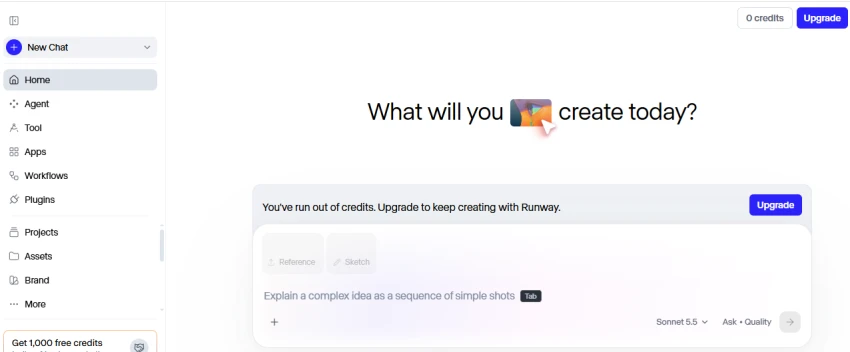
Free plan: 125 one-time credits, watermarked.
Paid from: $15 a month, or $12 on annual billing.
Standout feature: Camera controls and a timeline inside one tool.
Best for: Editors who iterate and need shot control.
Limitations
● Renders 720p and upscales, rather than native 4K.
● The one-time free credits run out quickly.
● Terms permit training on your uploads and outputs.
My rating: 4 out of 5.
Pika wins on length and price. A single generation runs up to 25 seconds, the longest on this list. The cheapest paid plan is $8 a month.
That makes it the volume option for social feeds, where a 20-second clip beats a six-second one and nobody is grading individual frames at full resolution. The trade-off is quality. Pika sits behind the four tools above it, and faces in particular show more artifacts. The free tier caps output at 480p and bars commercial use, so free clips are for testing rather than publishing. Simple prompts land well, but busy scenes with several moving subjects are where the quality gap opens most. For talking-head or product-detail work the resolution and artifact issues show, so Pika fits broad motion more than close inspection.
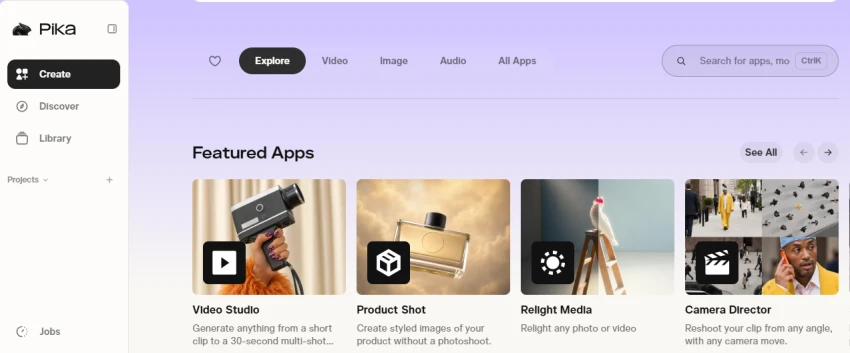
Free plan: 80 credits a month at 480p, non-commercial.
Paid from: $8 a month.
Standout feature: Up to 25 seconds in one generation.
Best for: High-volume short-form social on a tight budget.
Limitations
● Output quality trails the higher-ranked tools.
● The free tier is 480p and non-commercial.
● No native audio, so sound is a separate step.
My rating: 3.5 out of 5.
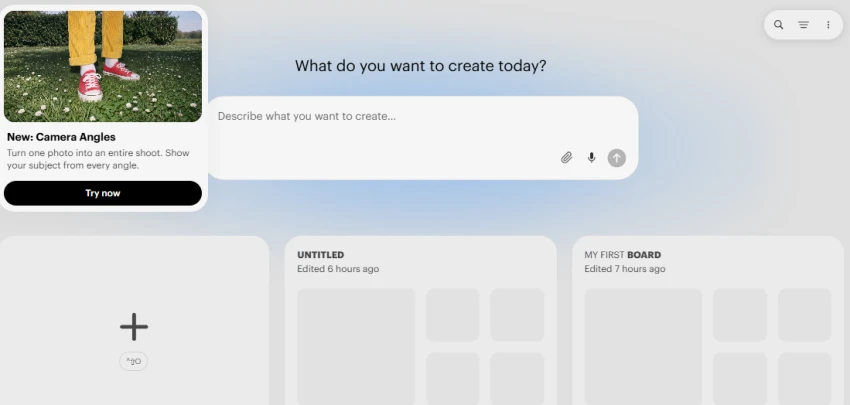
Luma, the Dream Machine successor, is the pick for a moody, filmic look. Its 16-bit HDR output carries richer color than most rivals, which shows on slow, atmospheric shots.
Motion stays clean on deliberate cinematic prompts, though there is no native audio, so every clip needs a separate sound pass. Pricing is the sticking point. Luma starts at $30 a month with no cheap entry tier, which is steep next to Kling for output that ranks lower on the arena. It suits a creator who wants a distinct visual signature more than a volume workflow, since the cost per clip rules out churning out dozens a day.
Free plan: Limited.
Paid from: $30 a month.
Standout feature: 16-bit HDR color depth.
Best for: Cinematic hero shots where color carries the scene.
Limitations
● No native audio.
● No budget entry plan.
● Ranks below the leaders on raw quality.
My rating: 3.5 out of 5.
Seedance tops the quality charts. ByteDance's model leads the Artificial Analysis text-to-video arena at 1,219, ahead of every tool above it on this list.
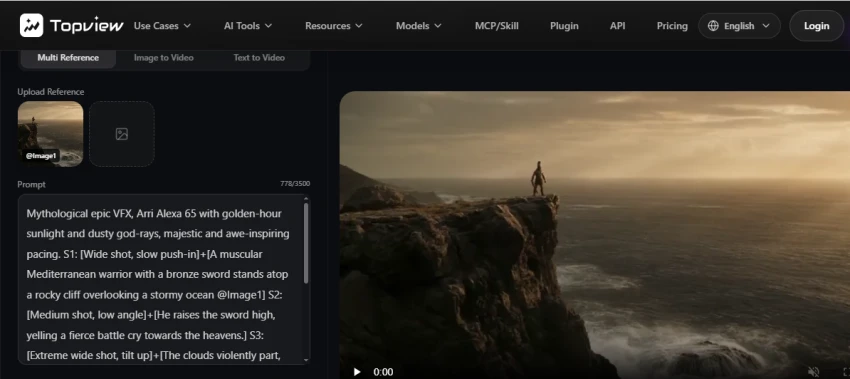
The reason it is not higher here is access. Seedance reaches most users through third-party platforms such as fal and Topview rather than a single consumer app, which adds a step to the path from prompt to finished clip. For raw output quality fed into an existing pipeline, nothing on this list beats it. For a simple sign-up-and-generate workflow, the five tools above are easier to live with. If you already run generations through an API, the jump in output quality over the consumer apps is the clearest reason on this list to add a platform step.
Free plan: Varies by host platform.
Paid from: Metered, priced per second by the platform.
Standout feature: Top arena score for text-to-video quality.
Best for: Developers and studios routing output through a pipeline.
Limitations
● No single first-party consumer app.
● Pricing and limits depend on the host platform.
● Less beginner-friendly than the other five.
My rating: 4 out of 5.
Here is how the six stack up on the specs that decide a purchase, followed by where they land on quality and clip length.
| Tool | Free plan | Resolution | Audio | Max clip | Paid from |
| Google Veo 3.1 | None | Up to 4K | Yes | 8s | AI plan or API |
| Kling 3.0 Omni | 66 credits/day | Up to 4K | Yes | 15s | $10/mo |
| Runway Gen-4.5 | 125 one-time | 720p to 4K | No | 10s | $15/mo |
| Pika 2.5 | 80/mo (480p) | 480p to full | No | 25s | $8/mo |
| Luma Ray3.2 | Limited | 1080p HDR | No | 10s | $30/mo |
| Seedance 2.0 | Via platform | Up to 1080p | Yes | ~10s | Metered |
One question decides whether a clip is safe to publish. Can you sell what you make, and what happens to what you upload. The answers differ by tool.
Commercial rights are gated by tier. Kling's free and basic plans grant no commercial use, and Pika's free tier is non-commercial at 480p. Paid plans clear both, but the free output you test with cannot be sold.
Training data is the quieter risk. Runway's terms let it use your uploads and generations to improve its models, which is worth weighing before feeding in a client's brand assets. Adobe's Firefly video model takes the opposite stance and trains on licensed content, a point in its favor for cautious brands.
Provenance labels are now standard on the leaders. Veo stamps a SynthID marker on every output and Runway attaches a C2PA credential, which platforms increasingly expect and some now require.
The sharpest exposure is likeness and copyright. A generated face that resembles a real person is a legal problem no watermark fixes, so original prompts and reference images you own are the safe default. Reading the plan terms once, before a deadline, is cheaper than pulling a published clip later.
The right tool depends on the job. Match the work to the pick.
If you want the best free tier to learn on: start with Kling 3.0 Omni, which gives daily credits and 4K with sound.
If quality and sound matter most and the budget is there: Google Veo 3.1 is the ceiling.
If you edit and iterate: Runway Gen-4.5 puts camera control and a timeline in one place.
If you need long clips cheaply: Pika 2.5 runs 25 seconds for $8 a month.
If you want a cinematic color look: Luma Ray3.2 earns its premium on atmospheric shots.
If you are building a pipeline: Seedance 2.0 brings the top benchmark quality through a platform API.
For most people the answer is Kling 3.0 Omni. It delivers the finish that used to cost Veo money, and its free tier lets you test the whole path from prompt to clip before paying a cent. Move up to Veo 3.1 when a client is paying and the output cannot slip.
One caveat holds across all six. Every tool still fails at on-screen text, so any clip that needs a readable word or a logo should get that element added in an editor, not left to the model. Treat these scores as a snapshot. New model versions ship most months, and the gap between the top three narrows every time one does.
Related guides and breakdowns from the same category.





Join the conversation
No comments yet
Start the conversation on Best AI Video Generators in 2026: From Prompt to F....