Nobody wants to transcribe audio by hand anymore. An hour of recording takes four hours to type out, and you end up hating the work. AI tools do it in a few minutes, label who said what, and even write you a summary.
The tricky part in 2026 is that these tools are not all the same thing, even though they get sold the same way. Some are built to sit in your meetings and take notes. One is really a video editor that happens to transcribe. A couple are plain workhorses that turn a file into text and nothing else. If you buy the wrong type, you either pay for stuff you never touch or run into a wall on the one feature you needed.
So this is a plain guide to six good ones, what they cost right now, and who each is actually for. Prices come from the vendors’ own pages and recent reviews, and since they change often, double-check before you pay.
| Tool | Good at | Free plan | Cheapest paid plan |
|---|---|---|---|
| Otter.ai | Meeting notes | 300 min a month | $8.33 per user a month (yearly) |
| Fireflies.ai | Team and sales calls | Unlimited transcription | $10 per seat a month (yearly) |
| Notta | Many languages | 120 min a month | $8.17 a month (yearly) |
| Descript | Podcast and video editing | About 1 hour a month | $16 per user a month (yearly) |
| Rev | Top accuracy | 45 min a month | $0.25 a minute, or plans from $25.49 |
| Sonix | Lots of files, many languages | 30-minute trial only | $10 an audio hour |
The first four charge per person. Rev and Sonix mostly charge for how much you transcribe.
Otter is the one most people have heard of. It is built around a bot that joins your Zoom, Google Meet, or Teams calls on its own. You connect your calendar, and it just shows up, records, and hands you a transcript with a summary and action items.
If your days are full of video calls, this is the easy pick. There is almost nothing to set up. You can also ask it questions about your past meetings, which is handy once you have a few months of calls saved.
The catch is languages. Otter covers only a short list, so if you work in anything beyond English and a couple of others, you will need a second tool. It also limits you to a set number of minutes each month, and they do not roll over.
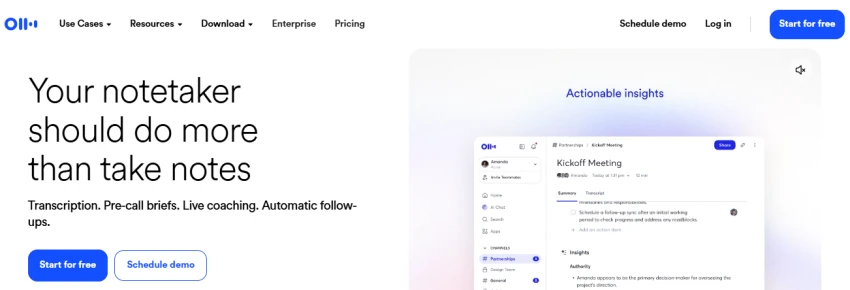
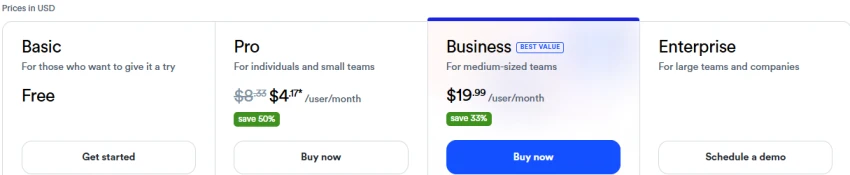
Free plan gives you 300 minutes a month and caps each call at 30 minutes. Paid plans run from $8.33 to $19.99 per user a month on yearly billing, or $16.99 to $30 if you pay monthly.
Best for English-speaking people who live in back-to-back meetings and just want the notes handled.
Fireflies does the same meeting-bot job as Otter but is aimed more at teams and sales. The thing that makes it stand out is simple. Every plan, even the free one, lets you transcribe as much as you want. The limits are on storage and on “AI credits” for summaries, not on how many minutes you record.
It connects well to CRMs like Salesforce and HubSpot, which is why sales teams like it. The interface is clean, and your whole team can search each other’s calls on the paid plans.
The one thing to watch is those AI credits. They are a fixed pool, not something that refills every month, so if you generate a lot of summaries you can run out.
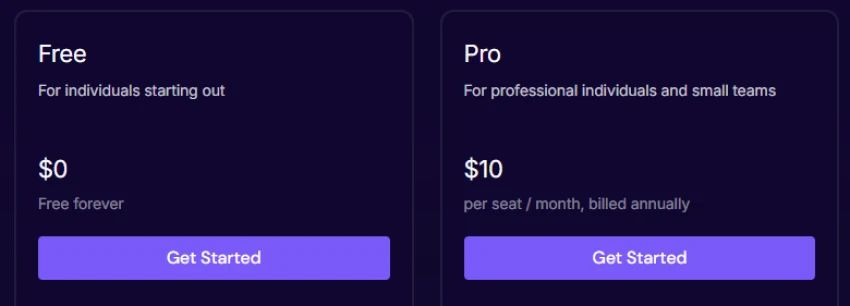
Free plan is $0 with unlimited transcription and 20 AI credits a month. Pro is $10 per seat a month on yearly billing ($18 monthly), Business is $19 yearly ($29 monthly), and Enterprise is $39.
Best for teams, especially sales, that want notes flowing straight into their CRM and never want to count minutes.
Notta is the language specialist. It records your calls like the others but handles 58 languages, and it can translate into more than 50. Its best trick is bilingual calls. If two languages are spoken in one meeting, it keeps both in a single transcript instead of making you pick one.
The main downside is how the plans are packaged. A few of the language features you would expect to be included are actually paid add-ons, so read the plan details before you sign up.
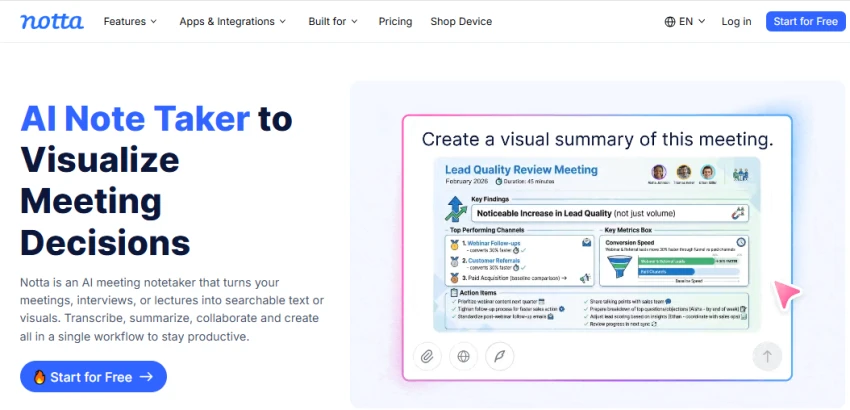
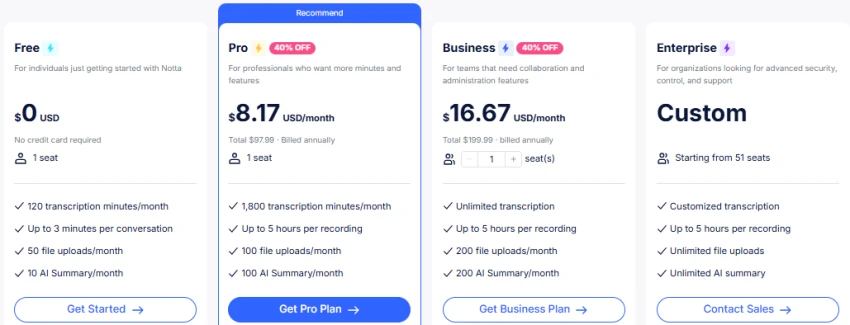
The free plan is also very tight. You get 120 minutes a month, and each recording stops at 3 minutes, which is fine for a quick test but useless for a real meeting.
Free plan is $0 with those limits. Pro is $8.17 a month on yearly billing ($13.99 monthly). Business is $16.67 per seat yearly ($27.99 monthly). Real-time and bilingual translation cost a few dollars extra per month on top.
Best for anyone running meetings across languages, especially if two languages come up in the same call.
Descript is the odd one out, and on purpose. It is really a podcast and video editor where the transcript is just the starting point. You edit your audio by editing the words. Delete a sentence from the text, and it disappears from the recording.
If you are making a finished podcast or video, this is great. You get sound cleanup, an AI assistant, voice cloning, and clip tools all in one place. If you only want a transcript, though, you are paying for a lot you will not use.
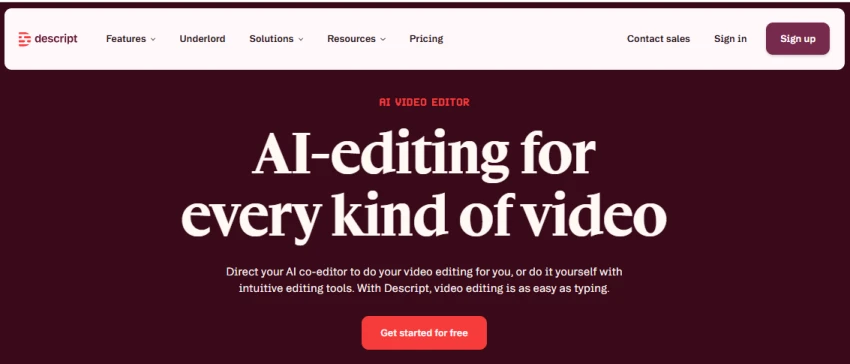
Pricing got harder to predict after a 2025 change that moved billing to “media minutes” and metered AI credits, so your monthly bill can wander if you record a lot.
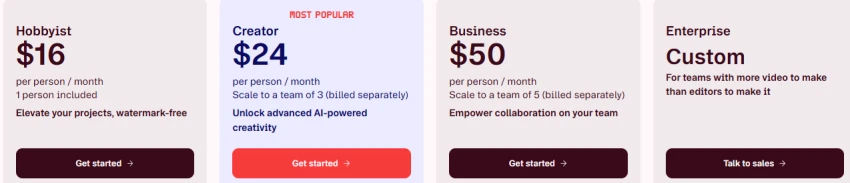
Free plan gives about 60 minutes a month with a watermark on exports, so treat it as a trial. Hobbyist is $16 per user a month yearly ($24 monthly) and removes the watermark. Creator is $24 yearly ($35 monthly) with 4K export. Business runs $50 to $65.
Best for podcasters and video creators who want to transcribe and edit in the same app. Not for people who just need text.
Rev is the one you reach for when the transcript has to be right. It is the only well-known service that offers both AI and human transcription in the same place. When the AI is not good enough, a real person does it.
That makes it the go-to for legal, medical, and research work, and it has been trusted by courts and newsrooms for years. It also has an AI note-taker for meetings and a developer tool for live transcription.
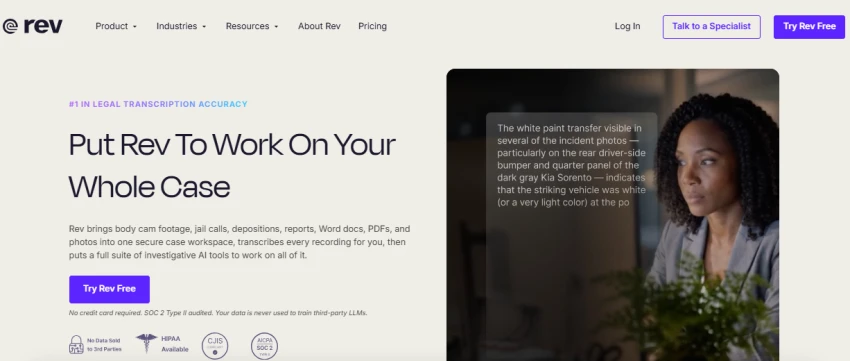
The downside is the pricing, which stacks up in a confusing way. You pay per minute for AI, a much higher rate per minute for humans, and there are subscriptions on top. Its AI also mostly covers English and Spanish, so it is not your multilingual option.
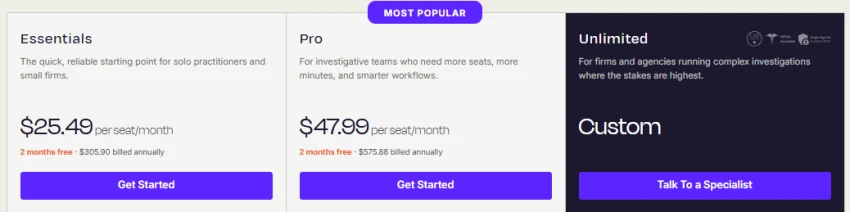
Free plan is 45 AI minutes a month, English only. AI transcription is $0.25 a minute, human is $1.99 a minute (about $119 an hour). Subscriptions start at $25.49 per seat a month yearly.
Best for legal, medical, academic, and journalism work where “close enough” is not acceptable.
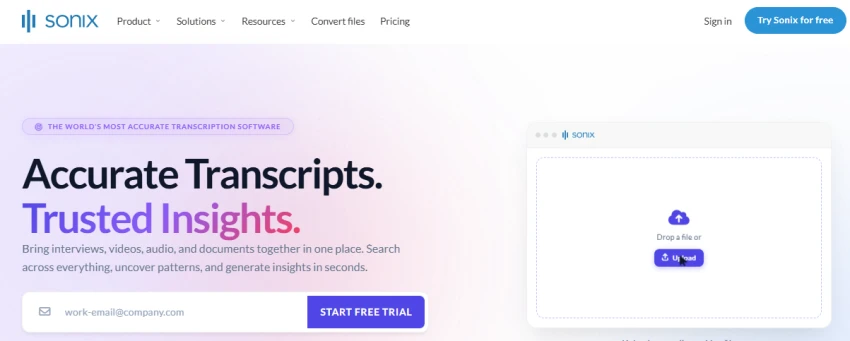
Sonix is the plain workhorse for people who have a lot of files to get through. No meeting bot, no video editor. You upload audio or video, and it gives you an accurate transcript you can edit in your browser. It handles 54 or more languages and can translate and make subtitles too.
It charges by usage, which is good news if your volume jumps around and bad news if you want a flat, predictable bill. There is no free plan, only a 30-minute trial.
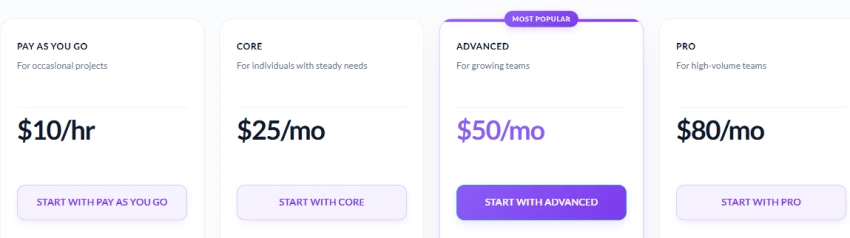
Pricing is $10 an audio hour with no subscription, or monthly plans starting around $25 that lower the rate if you transcribe regularly.
Best for researchers, agencies, and media teams dealing with big piles of files in different languages.
I do not think there is one best tool here, and I would not trust a review that picks one. They are built for different jobs.
If I had to point most people somewhere, I would start them on Fireflies for meetings. You get unlimited transcription even on the free plan, it plays nicely with a CRM, and it does not nickel-and-dime you on minutes. Otter is the one I would hand to someone who hates setup and just wants it to work.
When languages are involved, I lean on Notta for calls and Sonix for files, and I would not try to save money with a cheaper tool that only speaks English well.
If you are making podcasts or videos, Descript is not really competing with the rest. It is an editor first, and a good one.
And when the transcript absolutely has to be correct, I think Rev earns its price, because a human can step in where the AI falls short.
My real advice is boring but it works. Pick two tools that fit your job, run the exact same recording through both free trials, and judge the result yourself. The sales pages will all sound the same. Your own audio will tell you which one is actually better.
Related guides and breakdowns from the same category.



Join the conversation
No comments yet
Start the conversation on The 6 Best AI Transcription Tools in 2026.